

We are pleased to announce that the June 2019 release of the Python Extension for Visual Studio Code is now available. You can download the Python extension from the Marketplace, or install it directly from the extension gallery in Visual Studio Code. If you already have the Python extension installed, you can also get the latest update by restarting Visual Studio Code. You can learn more about Python support in Visual Studio Code in the documentation.
In this release we made improvements that are listed in our changelog, closing a total of 70 issues including a plot viewer with the Python Interactive window, parallel tests with pytest, and indentation of run selection in the terminal.
Plot Viewer with the Python window
Plots are commonly used for data visualization. One of the top requested features for the Python Interactive window is to enable deeper inspection of the generated plots, e.g. zooming, panning, and exporting images. The June 2019 update included a brand-new Plot Viewer that can be used to manipulate any image plots, such as the popular matplotlib plots.
You can try it out by double-clicking on the plots or clicking on the “expand image” button that is displayed when you hover over plot images in the Python Interactive Window:

With the plot viewer, you can pan, zoom in/out, navigate through plots in the current session, and export plots to PDF, SVG, or PNG formats.
Parallel tests with pytest
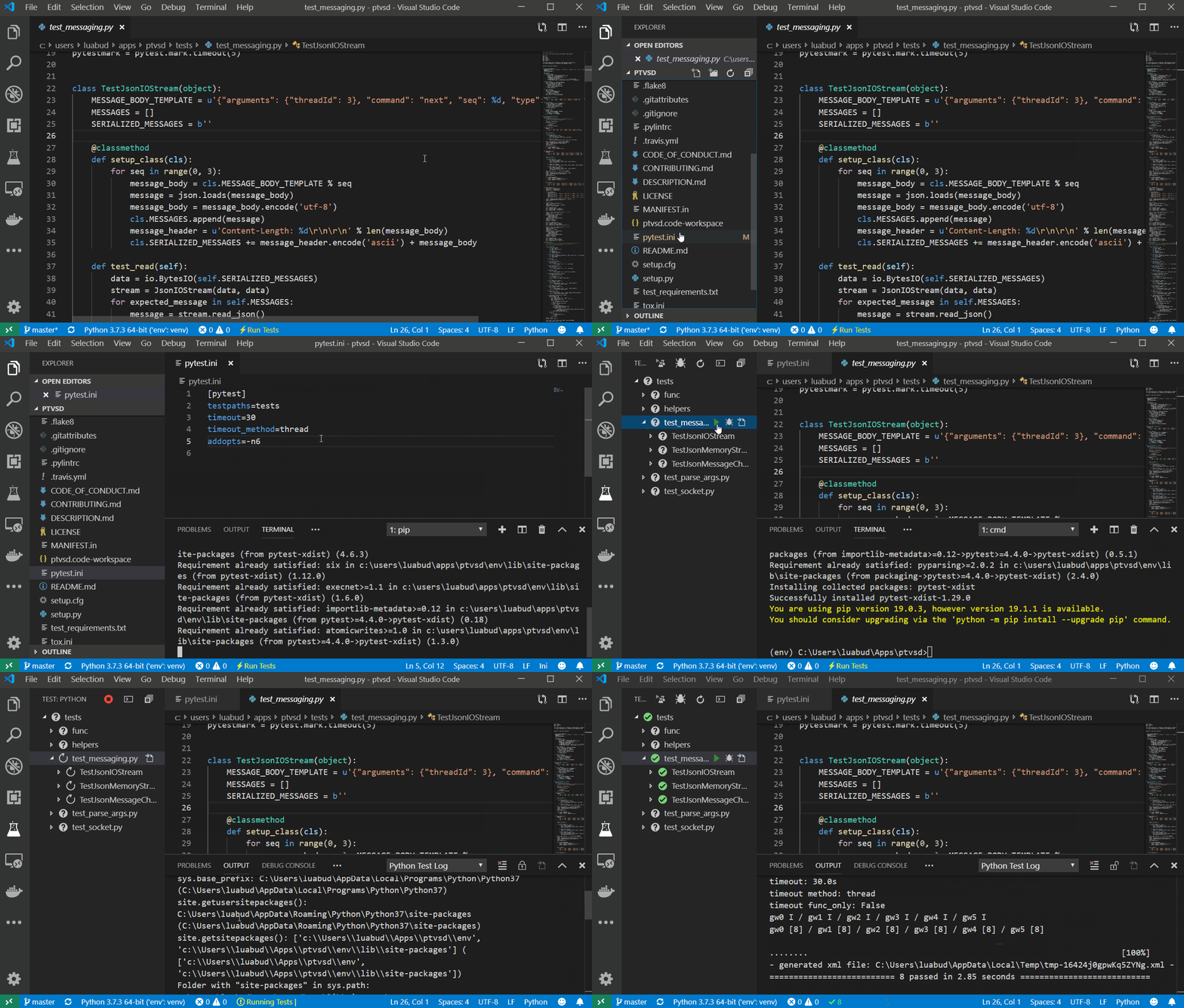
We made enhancements to reliability of statistics displayed for tests run, in particular for running tests in parallel with pytest.
You can try out running tests in parallel with pytest by installing the pytest-xdist package and add “-n<number of CPUs>” to a configuration file. For example, for 4 CPUs you can create a pytest.ini file in the project folder and add the below content to it:
[pytest]
addopts=-n4
Now when you run and debug tests, they’ll be executed in parallel.
You can refer to our documentation to learn more about testing support in the Python extension.
Indentation of run selection in the terminal
A highly requested VS Code Python feature on our GitHub repository wa